> ## Documentation Index
> Fetch the complete documentation index at: https://docs.bigdelta.com/llms.txt
> Use this file to discover all available pages before exploring further.
# Attio
> Connect Attio CRM to create tasks automatically from Moments.
## What it does
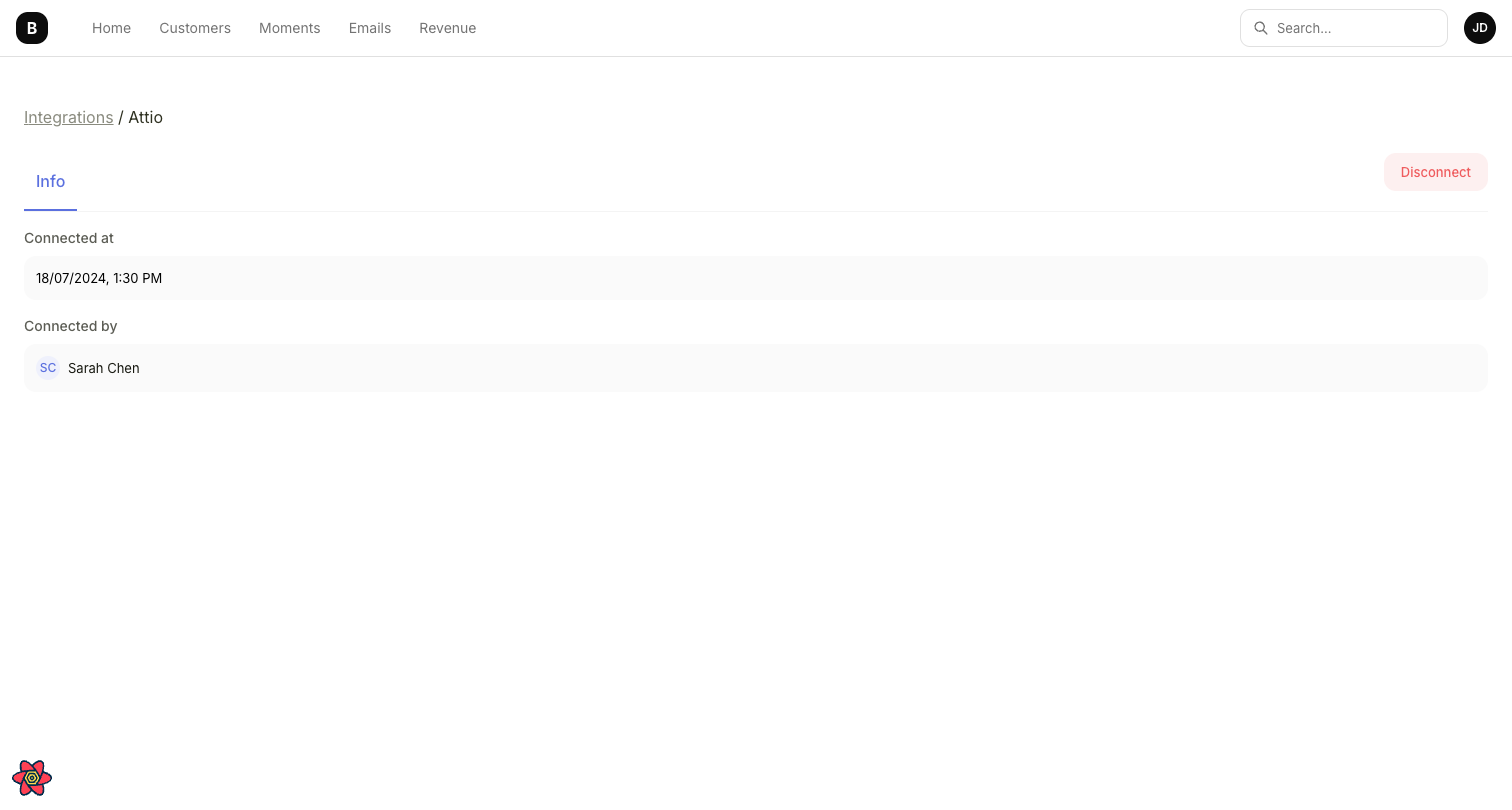
The Attio integration connects Bigdelta to your Attio CRM so you can automatically create tasks when customers enter moments. This helps your team act on customer events without switching between tools.
 ***
## How to connect
Find the Attio card in the CRM section.
You will be redirected to Attio to authorize the connection.
Log in to your Attio account and grant Bigdelta access. You will be redirected back once complete.
Once authorized, the integration shows a Connected status. You can now use Attio actions in your moments.
***
## Where Attio is used
The Attio integration is available as an action type in moments:
| Feature | How Attio is used |
| ----------- | ---------------------------------------------------------------------------------------- |
| **Moments** | Add a "Create Attio Task" step to create a task in Attio when an account enters a moment |
***
## Configuring an Attio task
When adding a "Create Attio Task" step in a moment:
1. **Write the task content** — Describe what needs to be done. You can use personalization variables to include account-specific data like name, MRR, or plan
2. **Set a deadline** — Use the date and time picker to define when the task should be completed
### Personalization variables
Task content supports the same personalization variables available in email and Slack actions. Insert dynamic account properties to give your team the context they need to act.
Combine Attio tasks with other moment actions. For example, send a Slack alert to your team immediately and create an Attio task with a deadline for follow-up.
***
## Task history
Tasks created through the Attio integration are recorded in Bigdelta, so you can track which tasks have been generated from your moments.
***
## How to connect
Find the Attio card in the CRM section.
You will be redirected to Attio to authorize the connection.
Log in to your Attio account and grant Bigdelta access. You will be redirected back once complete.
Once authorized, the integration shows a Connected status. You can now use Attio actions in your moments.
***
## Where Attio is used
The Attio integration is available as an action type in moments:
| Feature | How Attio is used |
| ----------- | ---------------------------------------------------------------------------------------- |
| **Moments** | Add a "Create Attio Task" step to create a task in Attio when an account enters a moment |
***
## Configuring an Attio task
When adding a "Create Attio Task" step in a moment:
1. **Write the task content** — Describe what needs to be done. You can use personalization variables to include account-specific data like name, MRR, or plan
2. **Set a deadline** — Use the date and time picker to define when the task should be completed
### Personalization variables
Task content supports the same personalization variables available in email and Slack actions. Insert dynamic account properties to give your team the context they need to act.
Combine Attio tasks with other moment actions. For example, send a Slack alert to your team immediately and create an Attio task with a deadline for follow-up.
***
## Task history
Tasks created through the Attio integration are recorded in Bigdelta, so you can track which tasks have been generated from your moments.