> ## Documentation Index
> Fetch the complete documentation index at: https://docs.bigdelta.com/llms.txt
> Use this file to discover all available pages before exploring further.
# PayMe
> Connect PayMe to import your payment and subscription data.
## What it does
The PayMe integration imports your payment and subscription data into Bigdelta, giving you a unified view of revenue alongside data from other connected billing providers.
***
## How to connect
Find the PayMe card in the payment providers section.
You will be redirected to PayMe to authorize the connection.
Log in to your PayMe account and grant Bigdelta read-only access. You will be redirected back once the connection is established.
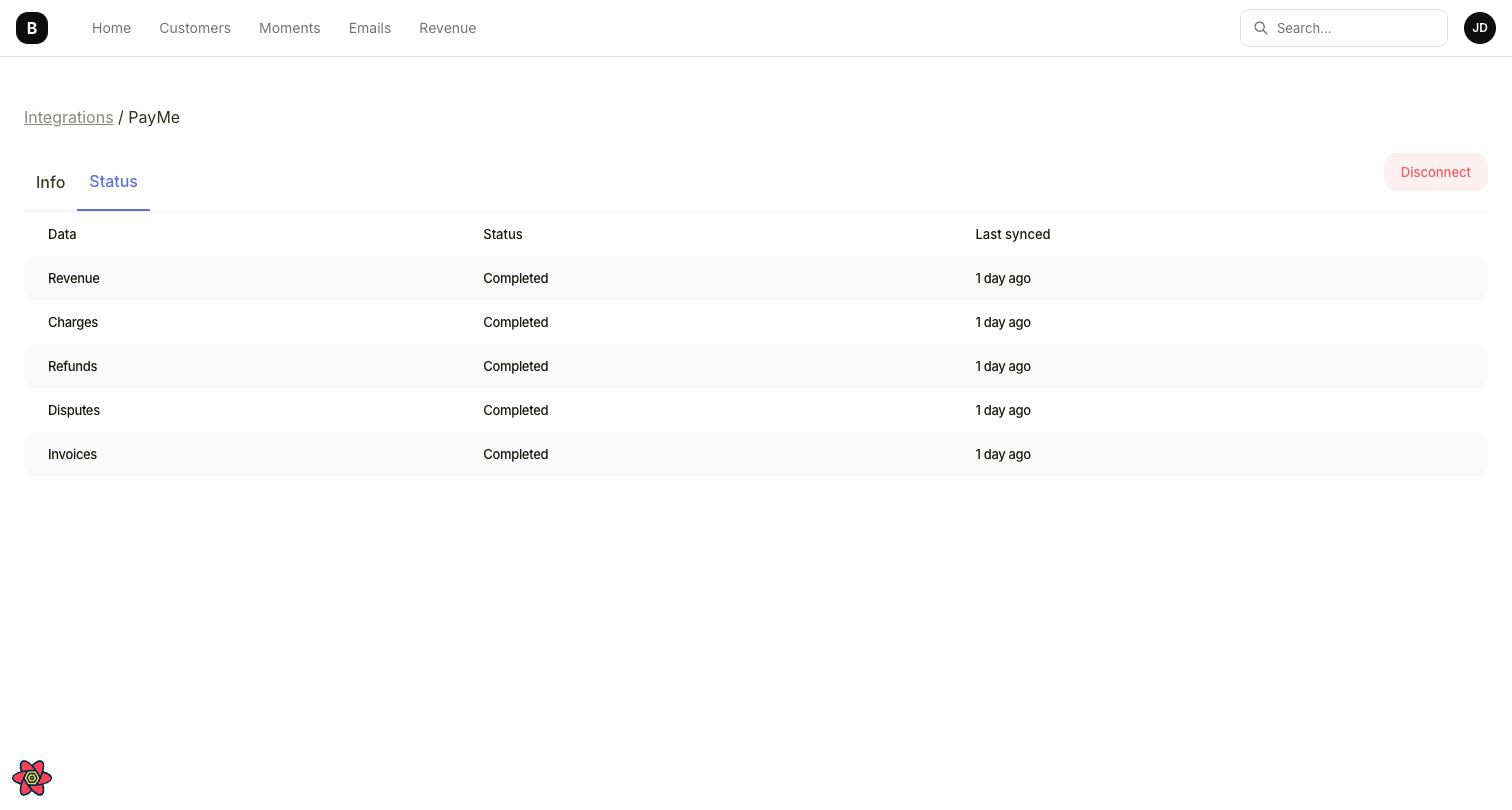
Bigdelta begins importing your data immediately. The initial sync may take a few minutes for large datasets.
Bigdelta will **not** create charges, issue refunds, or modify your PayMe settings. The connection is read-only.
***
 ## What data gets synced
| PayMe data | Bigdelta data | Details |
| ------------- | ------------- | ---------------------------------------------------------- |
| Customers | Accounts | A Customer List is created containing your PayMe customers |
| Subscriptions | Subscriptions | Active, canceled, paused, and overdue subscriptions |
| Payments | Transactions | Payment amounts, statuses, and timestamps |
| Invoices | Invoices | Invoice records and line items |
***
## Ongoing sync
After the initial import, data syncs continuously. New payments, subscription changes, and customer updates in PayMe are reflected in Bigdelta automatically.
PayMe does not provide historical subscription data. Subscription statuses (active, canceled, paused, overdue) are accurately tracked from the moment the integration is connected. Trial periods and discounts are not supported by PayMe.
## What data gets synced
| PayMe data | Bigdelta data | Details |
| ------------- | ------------- | ---------------------------------------------------------- |
| Customers | Accounts | A Customer List is created containing your PayMe customers |
| Subscriptions | Subscriptions | Active, canceled, paused, and overdue subscriptions |
| Payments | Transactions | Payment amounts, statuses, and timestamps |
| Invoices | Invoices | Invoice records and line items |
***
## Ongoing sync
After the initial import, data syncs continuously. New payments, subscription changes, and customer updates in PayMe are reflected in Bigdelta automatically.
PayMe does not provide historical subscription data. Subscription statuses (active, canceled, paused, overdue) are accurately tracked from the moment the integration is connected. Trial periods and discounts are not supported by PayMe.