> ## Documentation Index
> Fetch the complete documentation index at: https://docs.bigdelta.com/llms.txt
> Use this file to discover all available pages before exploring further.
# Solidgate
> Connect Solidgate to import your payment and revenue data.
## What it does
The Solidgate integration imports your payment and revenue data into Bigdelta.
***
## How to connect
Find the Solidgate card in the payment providers section.
You will be guided through the authorization process.
Provide the required credentials and grant Bigdelta read-only access to your Solidgate account.
Bigdelta begins importing your data immediately. The initial sync may take a few minutes depending on volume.
Bigdelta will **not** create charges, issue refunds, or modify your Solidgate settings. The connection is read-only.
***
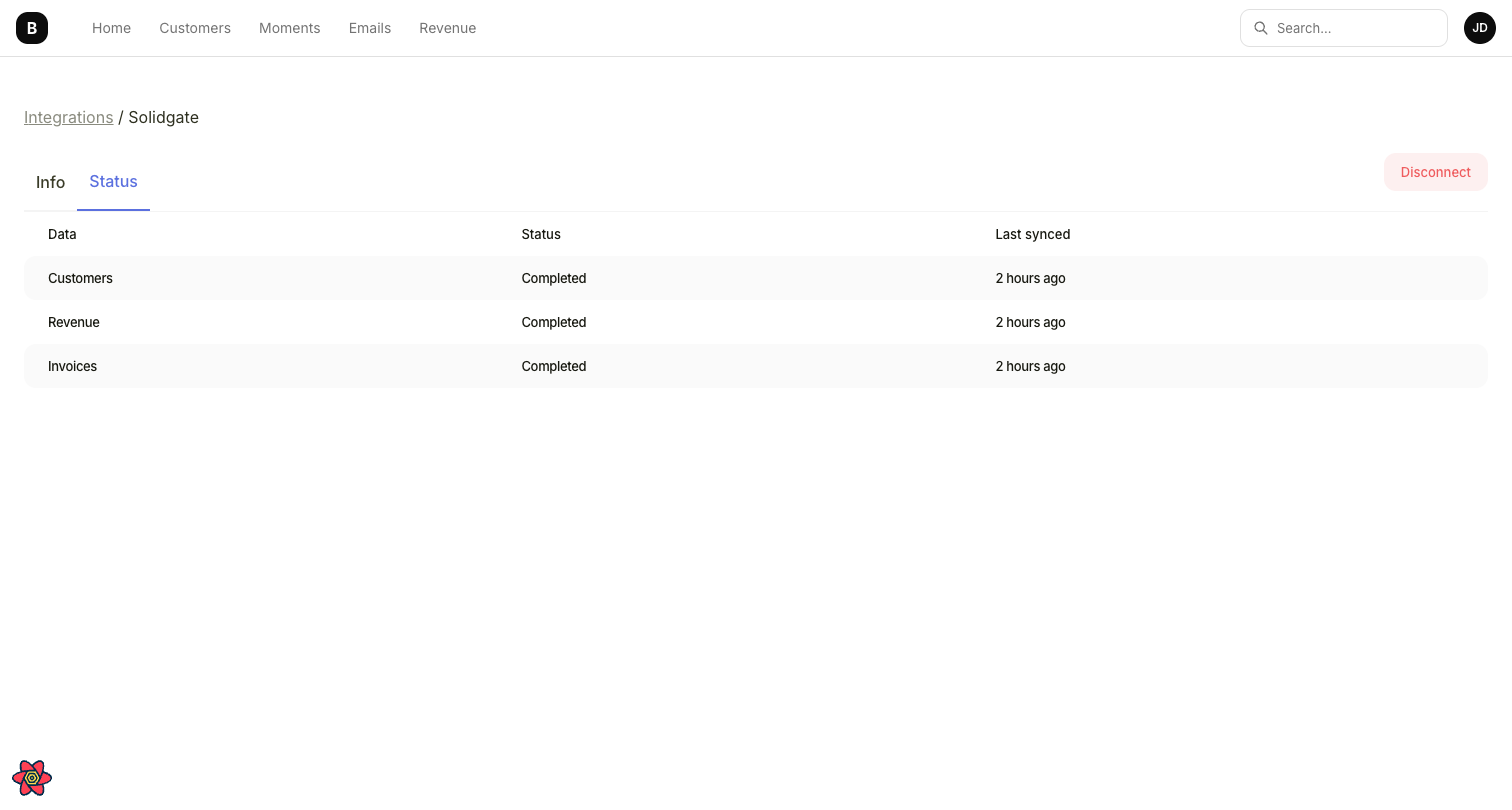 ## What data gets synced
| Solidgate data | Bigdelta data | Details |
| -------------- | ------------- | ---------------------------------------------------------------------------------- |
| Customers | Accounts | A Customer List is created containing your Solidgate customers |
| Subscriptions | Subscriptions | Active, canceled, paused, overdue, and trialing subscriptions, including discounts |
| Payments | Transactions | Payment amounts, statuses, and timestamps |
| Invoices | Invoices | Invoice records and line items |
***
## Ongoing sync
After the initial import, data syncs continuously. New payments and revenue events in Solidgate are reflected in Bigdelta automatically. Invoices sync with approximately a 1-hour delay.
Paused, overdue, and discount statuses are accurately tracked from the moment the integration is connected, but historical changes for these statuses are not available. Historical discounts are estimated heuristically and may not always be accurate. Charges, refunds, and disputes are not yet supported for Solidgate.
## What data gets synced
| Solidgate data | Bigdelta data | Details |
| -------------- | ------------- | ---------------------------------------------------------------------------------- |
| Customers | Accounts | A Customer List is created containing your Solidgate customers |
| Subscriptions | Subscriptions | Active, canceled, paused, overdue, and trialing subscriptions, including discounts |
| Payments | Transactions | Payment amounts, statuses, and timestamps |
| Invoices | Invoices | Invoice records and line items |
***
## Ongoing sync
After the initial import, data syncs continuously. New payments and revenue events in Solidgate are reflected in Bigdelta automatically. Invoices sync with approximately a 1-hour delay.
Paused, overdue, and discount statuses are accurately tracked from the moment the integration is connected, but historical changes for these statuses are not available. Historical discounts are estimated heuristically and may not always be accurate. Charges, refunds, and disputes are not yet supported for Solidgate.