
What are Entitlements?
Entitlement types
Bigdelta supports three entitlement types, each suited to a different kind of plan feature:| Type | Use case | Example |
|---|---|---|
| Toggle | Feature on/off with no counting | ”Advanced Analytics” enabled or disabled |
| Quota | Capped usage that does not reset | ”5 exports total” |
| Metered | Usage that resets per billing cycle | ”1,000 API calls per month” |
Where entitlement usage appears
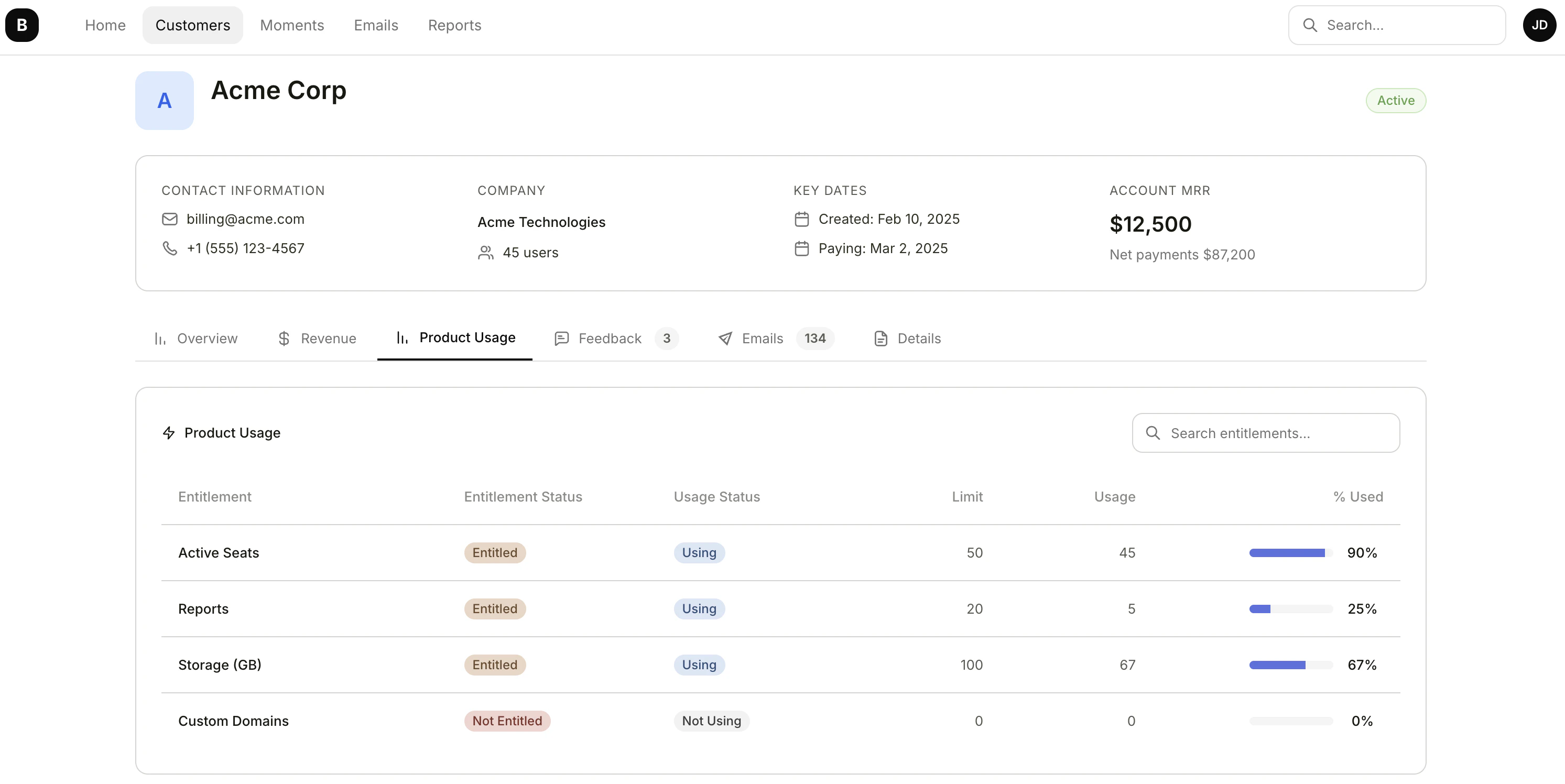
Entitlement usage data is visible in:- Entitlements list — View all entitlements with usage status across accounts
- Account profiles — See per-account entitlement usage on the account’s profile
Entitlement Settings
Configure entitlement settings in your workspace.