
What it does
The PayPal integration imports your payment and transaction data into Bigdelta. This gives you visibility into PayPal revenue alongside data from other connected billing providers.How to connect
1
Go to Settings then Integrations
Find the PayPal card in the payment providers section.
2
Click Connect
A setup flow will guide you through the authorization process.
3
Authorize in PayPal
Log in to your PayPal account and grant Bigdelta access. You will be redirected back once the connection is established.
4
Wait for the initial sync
Bigdelta begins importing your data immediately. The initial sync may take a few minutes for large transaction histories.
Bigdelta will not create charges, issue refunds, or modify your PayPal settings. The connection is read-only.
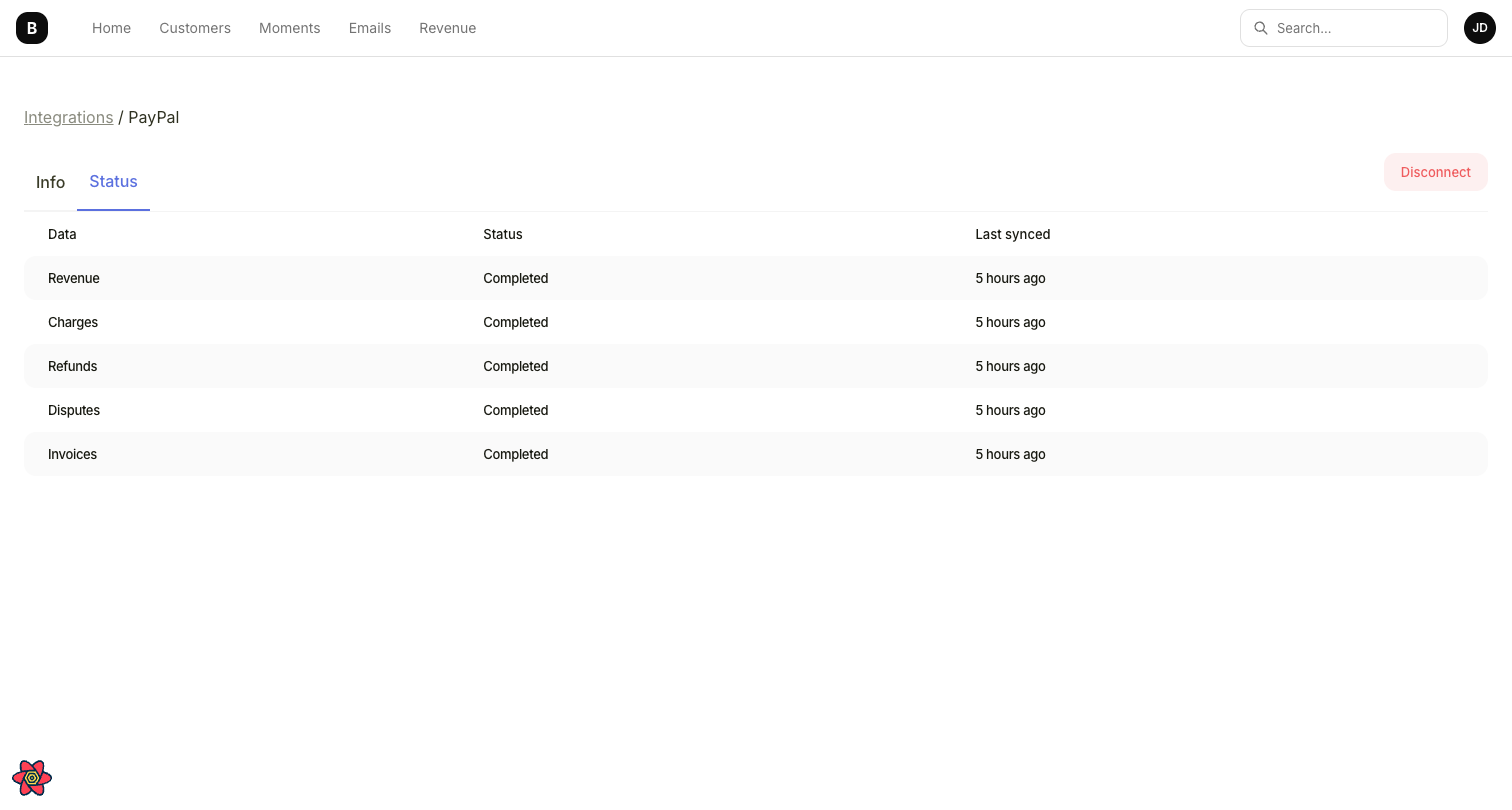
PayPal integration status showing synced data types
What data gets synced
Ongoing sync
After the initial import, data syncs continuously. New transactions and customer updates in PayPal are reflected in Bigdelta automatically.Invoices from subscription payments sync with no delay. However, invoices from PayPal’s separate invoicing subsystem may take up to 3 hours to appear. Discounts are not supported by PayPal. Overdue subscription status is only tracked from the moment the integration is connected — historical overdue changes are not available.