
What it does
The Shopify Partners integration is designed for Shopify app developers. It imports your app revenue and customer data into Bigdelta so you can track MRR, subscriptions, and customer health for your Shopify apps.How to connect
1
Go to Settings then Integrations
Find the Shopify Partners card in the payment providers section.
2
Click Connect
You will be redirected to Shopify to authorize the connection.
3
Authorize access
Log in to your Shopify Partners account and grant Bigdelta read-only access.
4
Wait for the initial sync
Bigdelta imports your app revenue and customer data. This may take a few minutes depending on volume.
Bigdelta will not modify your Shopify Partner account or app settings. The connection is read-only.
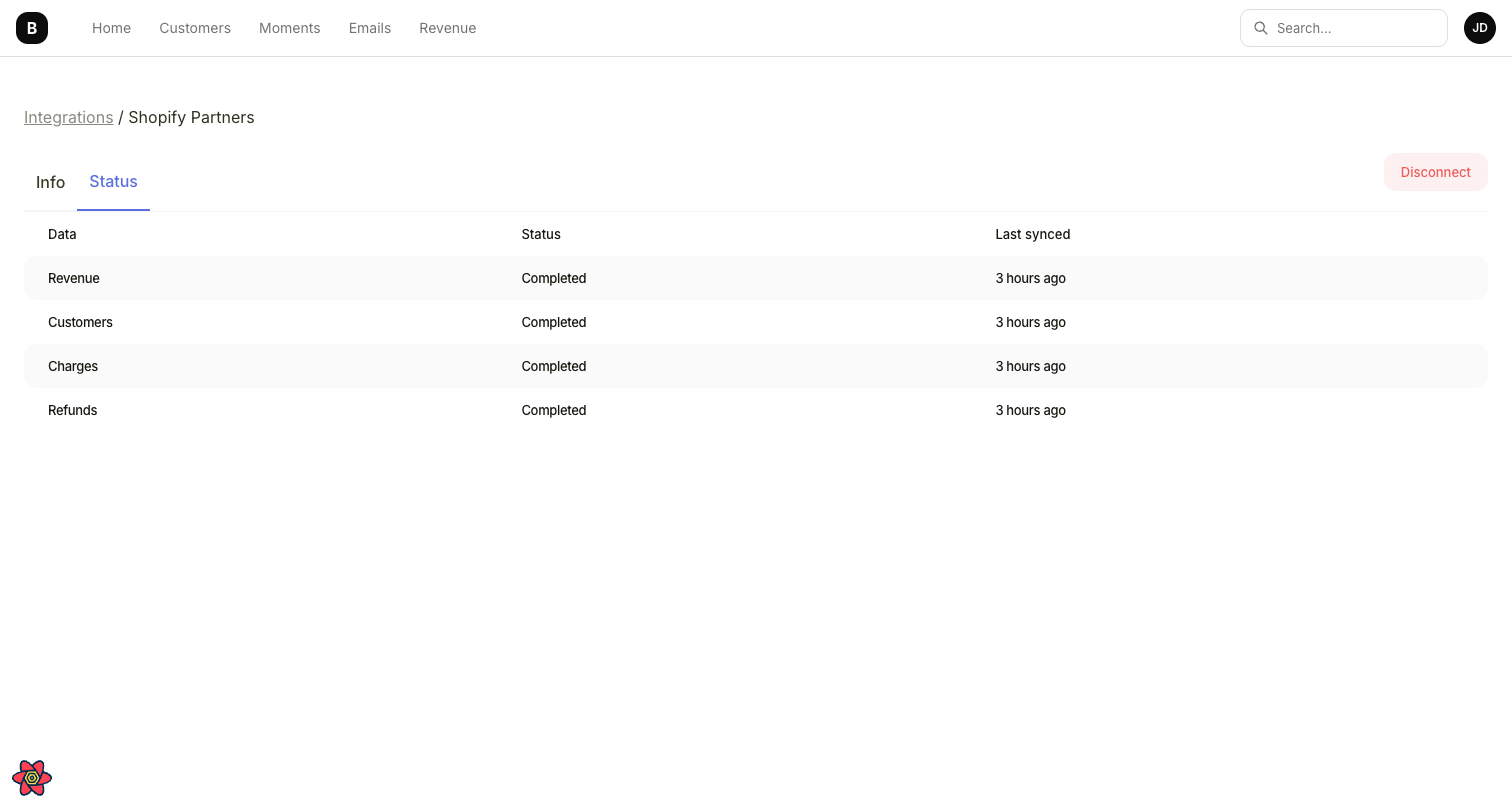
Shopify Partners integration status showing synced data types
What data gets synced
Ongoing sync
After the initial import, data syncs continuously. New app installs, subscription changes, and revenue events in Shopify Partners are reflected in Bigdelta automatically.Trial periods and discounts are not supported by Shopify Partners. Invoices are not currently synced from Shopify.