
What it does
The Solidgate integration imports your payment and revenue data into Bigdelta.How to connect
1
Go to Settings then Integrations
Find the Solidgate card in the payment providers section.
2
Click Connect
You will be guided through the authorization process.
3
Authorize access
Provide the required credentials and grant Bigdelta read-only access to your Solidgate account.
4
Wait for the initial sync
Bigdelta begins importing your data immediately. The initial sync may take a few minutes depending on volume.
Bigdelta will not create charges, issue refunds, or modify your Solidgate settings. The connection is read-only.
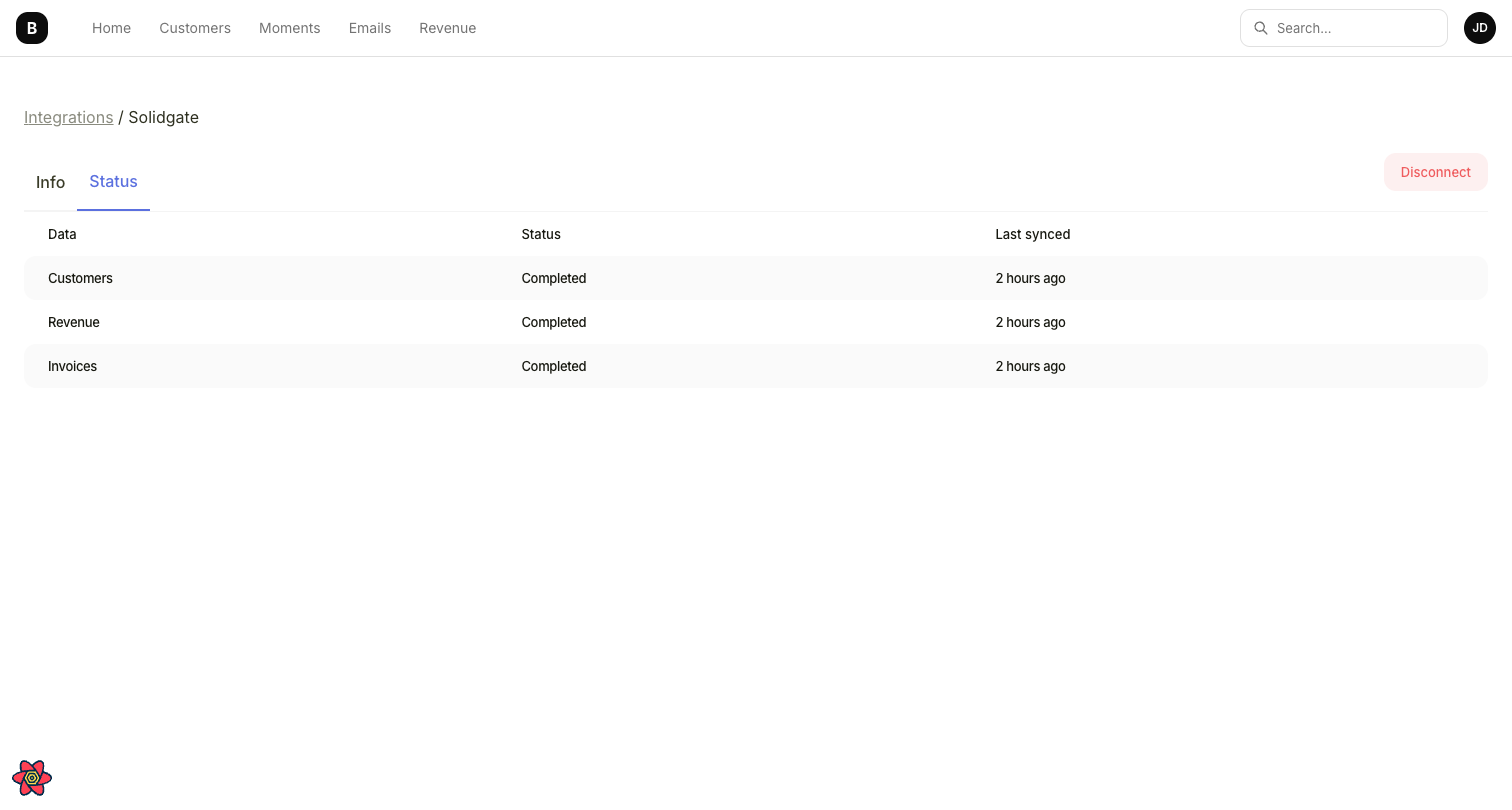
Solidgate integration status showing synced data types
What data gets synced
Ongoing sync
After the initial import, data syncs continuously. New payments and revenue events in Solidgate are reflected in Bigdelta automatically. Invoices sync with approximately a 1-hour delay.Paused, overdue, and discount statuses are accurately tracked from the moment the integration is connected, but historical changes for these statuses are not available. Historical discounts are estimated heuristically and may not always be accurate. Charges, refunds, and disputes are not yet supported for Solidgate.