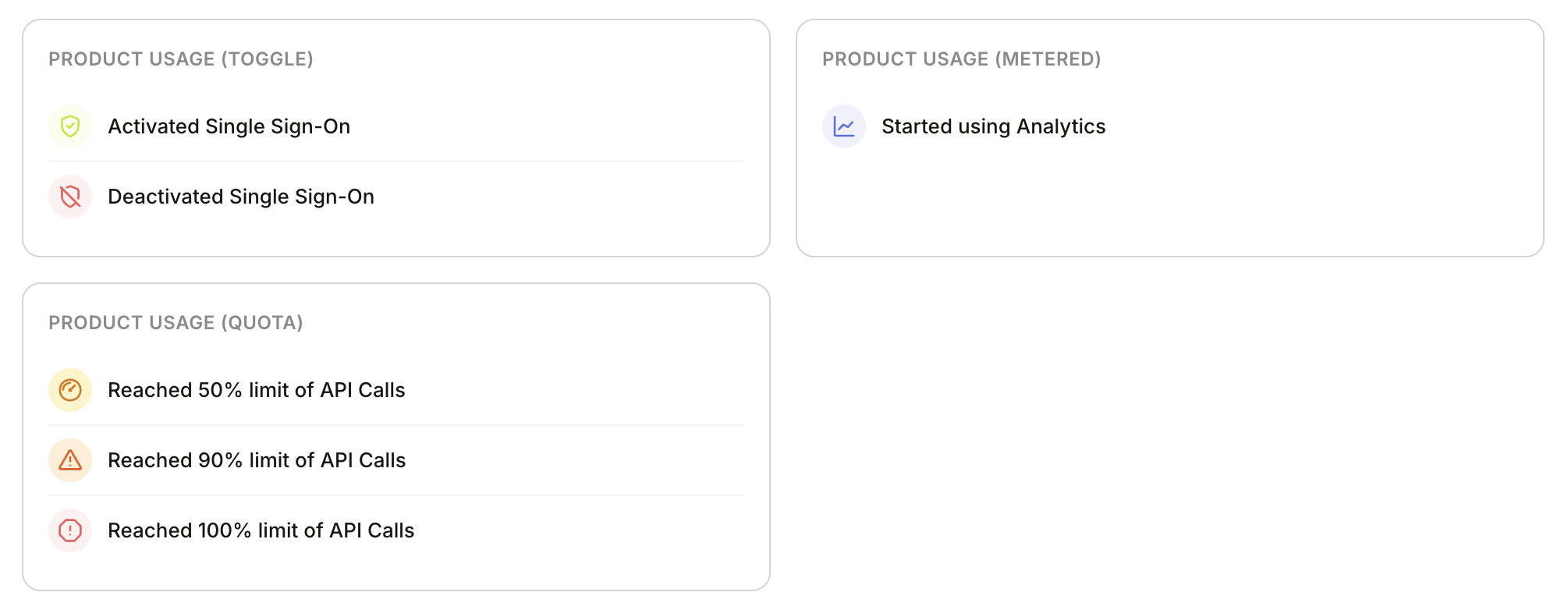
Entitlement activities generated for toggle, metered, and quota types
For more granular tracking, you can define your product’s entitlements — the features and usage limits included in each plan. This lets Bigdelta track usage thresholds per entitlement rather than just overall plan limits. Bigdelta supports three entitlement types:
TypeUse caseExample
ToggleFeature on/off with no counting”Advanced Analytics” enabled or disabled
QuotaCapped usage that doesn’t reset”5 exports total”
MeteredUsage that resets per billing cycle”1,000 API calls per month”
How to set up:
  1. Create an entitlement in Bigdelta — this generates API examples you can copy
  2. Authenticate your API requests using your API key and secret
  3. Use the API to send usage updates per account
All usage updates are sent to:
POST /entitlements/{ENTITLEMENT_ID}/accounts/{ACCOUNT_ID}/usage?workspace_id={WORKSPACE_ID}
Quota — capped usage that doesn’t reset
// Resource created
{ "action": "INCREASE", "amount": 1 }

// Resource deleted
{ "action": "DECREASE", "amount": 1 }

// Full sync / recalculate
{ "action": "SET", "amount": 42 }
Metered — usage that resets per billing cycle
// Resource used
{ "action": "INCREASE", "amount": 1 }

// Billing period resets in your product
{ "action": "RESET" }
Toggle — feature on/off
// Feature enabled (e.g. plan upgrade)
{ "action": "SET", "enabled": true }

// Feature disabled (e.g. plan downgrade)
{ "action": "SET", "enabled": false }
When a plan changes and new limits apply, update the limit separately:
POST /entitlements/{ENTITLEMENT_ID}/accounts/{ACCOUNT_ID}/limit?workspace_id={WORKSPACE_ID}
{ "amount": 100 }   // or -1 for unlimited
What you unlock:
  • Entitlement activities — Bigdelta tracks when accounts activate entitlements and hit usage thresholds (50%, 90%, 100% of their limit)
  • Moments can trigger on per-entitlement usage thresholds for more targeted upsell outreach