
What it does
The BigQuery integration imports records from Google BigQuery into Bigdelta. This lets you bring data from your data warehouse into Bigdelta to enrich your customer profiles, power automations, and build more complete analytics.The direction of this integration is import only — data flows from BigQuery into Bigdelta, not the other way around.
How to connect
Authenticate with Google
Grant Bigdelta access to your Google Cloud project and the relevant BigQuery datasets.
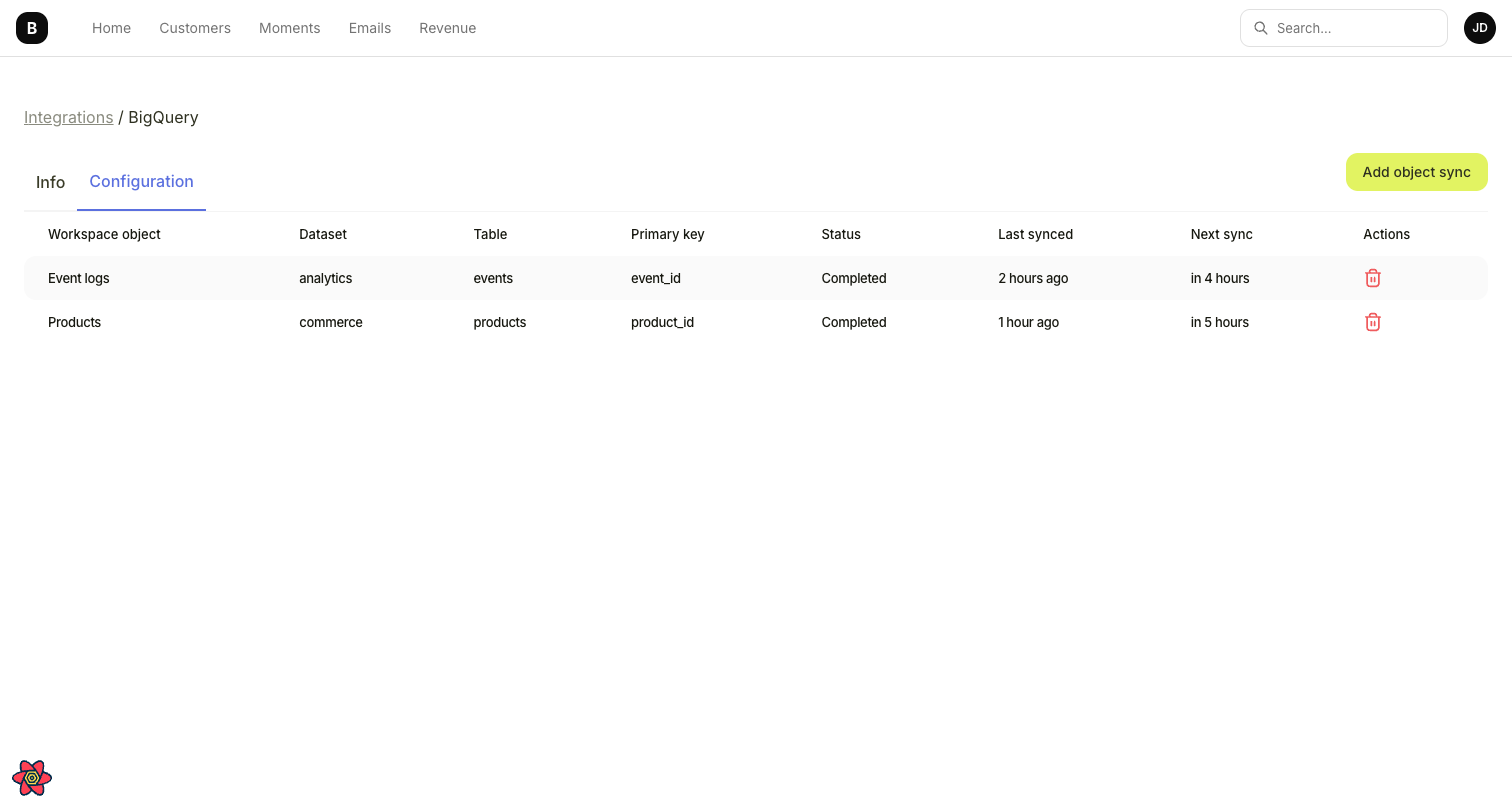
Configure the import
Select which BigQuery tables or views to import and map the fields to Bigdelta’s data model.
What data gets imported
| BigQuery data | Bigdelta data | Details |
|---|---|---|
| Table rows / view results | Records | Data is imported as records in Bigdelta based on your field mapping |
Use cases
- Import product usage data stored in BigQuery to enrich customer profiles
- Bring in custom scoring or segmentation data from your data warehouse
- Combine BigQuery data with billing data for a complete customer view