What you need to provide
- Access to your payment provider account (Stripe, PayPal, Shopify Partners, PayMe, or Solidgate)
How to connect
- Go to Settings → Integrations
- Click Connect next to your payment provider
- Authorize Bigdelta in the provider’s authentication flow
Bigdelta connects in read-only mode. It will not create charges, issue refunds, or modify your billing settings.
What you unlock
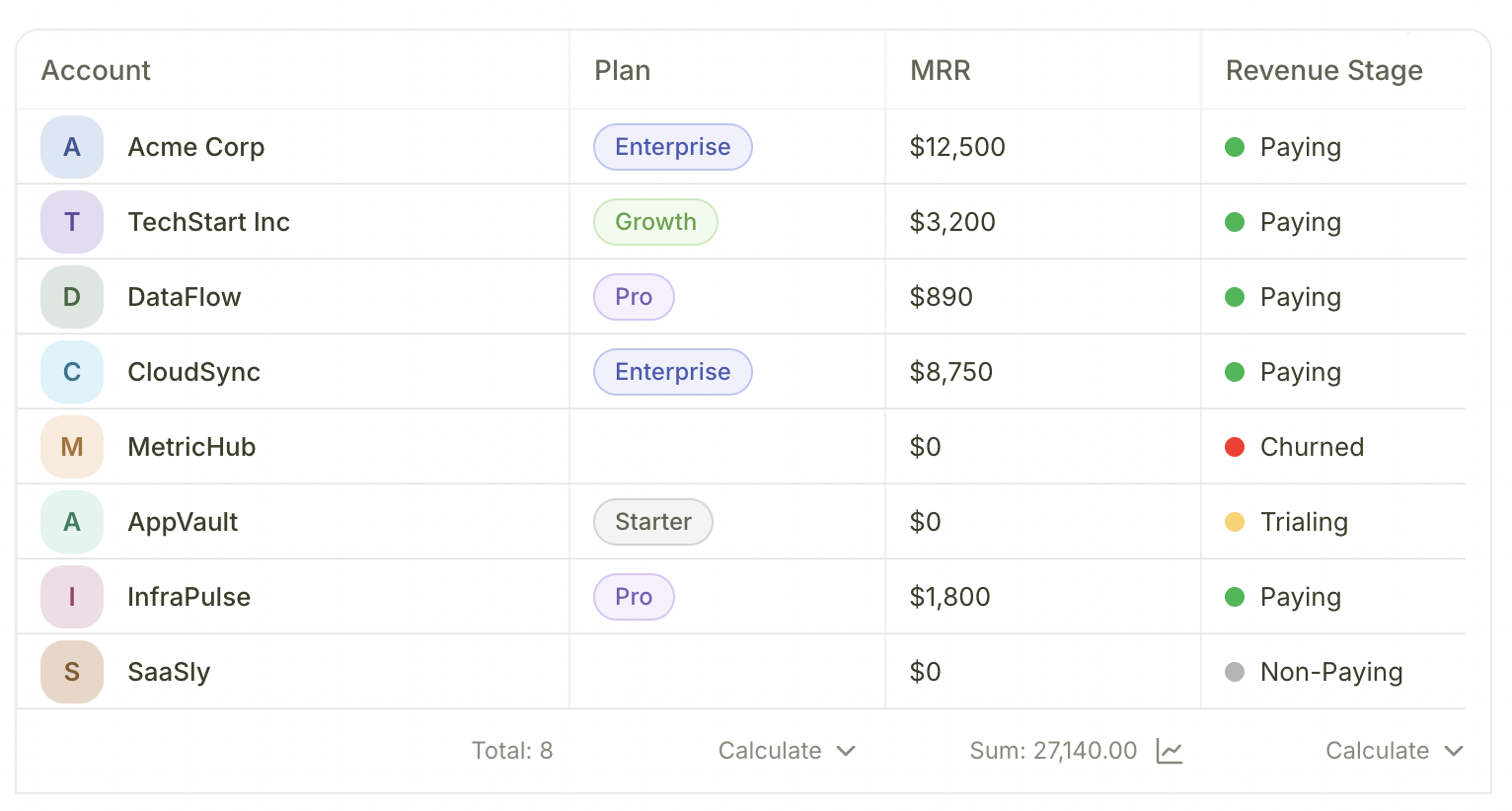
Once connected, Bigdelta automatically imports and keeps your data in sync. No manual data entry needed.| Feature | What it gives you |
|---|---|
| Account records | Your customers appear as account records with plan, MRR, and subscription data |
| Revenue Stages | Each account is automatically labeled as Paying, Trialing, Non-Paying, or Churned |
| Account revenue | Full financial profile per account — MRR history, subscriptions, invoices, and transactions |
| Home dashboard | Revenue Changes, Revenue Opportunities, and Revenue at Risk panels populate with your data |
| Revenue activities | Activities like New Business, Expansion, Contraction, Churn, Trial Started, Payment Failed, and more are generated automatically — these power Moments |